

Common Mosconi Issues and Local Troubleshooting in La Verne California
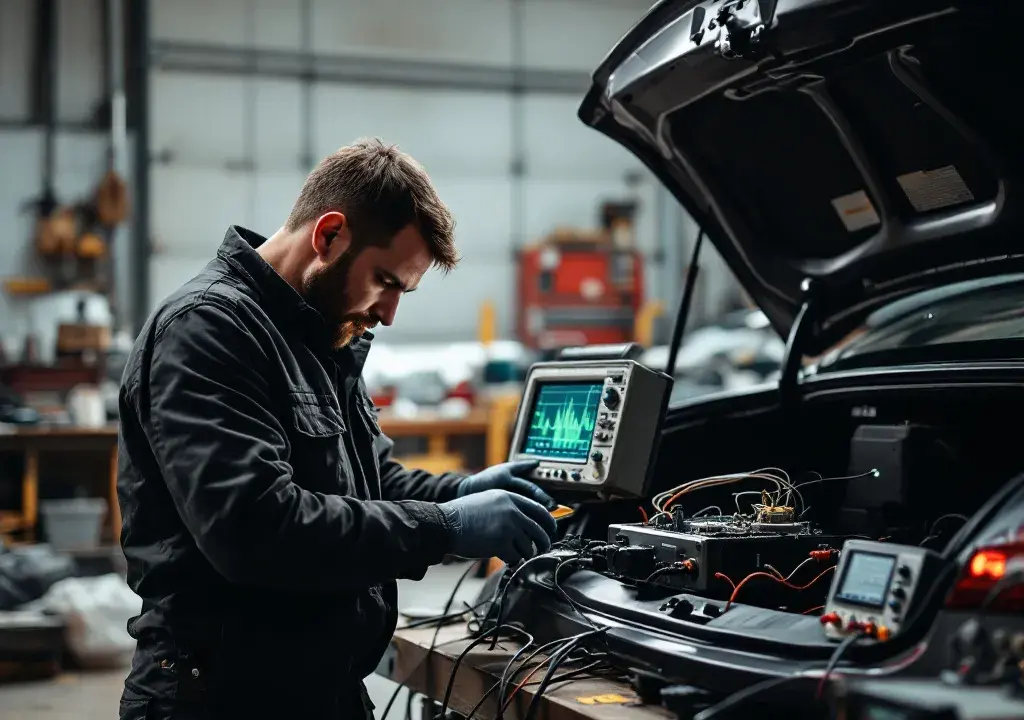
Working on car audio in La Verne for years, I’ve seen a broad range of Mosconi setups in everything from daily drivers to weekend show cars. The brand’s clarity and power handling make it a favorite, but even the best electronics can show quirks when installation, power, or environmental factors aren’t quite right. If you’ve been wondering why a system that once sounded flawless now hums, clips, or loses channels, you’re in the right place to start diagnosing. I’ll walk you through common causes, local troubleshooting tips, and when to bring the car in for professional attention — and if you need genuine parts or official support, I often point customers to Mosconi resources as a first reference.
My approach blends careful listening with simple tests you can do at home in La Verne before you get to a bench diagnosis. I prefer to rule out easy fixes first — bad grounds, loose harnesses, or a mismatched input level can mimic a dead amp. The neighborhood climate and salt-free inland conditions usually mean corrosion is less of a factor here than in coastal areas, but wiring fatigue and repeated heat cycles can still create intermittent problems after a few years.
Troubleshooting Mosconi Units in La Verne
When I say “troubleshooting Mosconi units,” I mean a methodical check of power, grounds, input signals, and mode settings. Start at the battery and follow the supply to the amplifier or DSP. Look for a secure 12V connection, a clean ground to the chassis, and an intact remote-on lead. Many of the calls I get turn out to be a blown fuse or a loose ring terminal at the battery. If everything looks solid there, confirm that signal sources are set to the correct output mode and that any high-level inputs are wired correctly. A misconfigured input sensitivity can cause distortion that sounds like a hardware failure but isn’t.
Another frequent issue is ground loop noise or stereo imbalance caused by multiple audio components sharing marginal grounds. In these cases, isolating the head unit from the amplifier and listening to a direct feed often reveals whether the problem is the source or the Mosconi device itself. For firmware-related quirks and official diagnostics, I sometimes reference manufacturer notes and setup guides; one helpful resource I use on-site is the Mosconi page for model-specific tweaks and firmware info.
Common Symptoms and Practical Local Fixes
Power cycling behavior, sudden mute, or channel dropouts often point to heat-related protection or internal fault detection. In the cramped engine bays and trunks I work on around La Verne, inadequate ventilation can let an amp go into protect mode. If the unit is warm and then cuts out after a short drive, try improving airflow and checking for tight, clean connections. Clipping and harsh distortion at high volumes are usually electrical or gain-related: lower the gain, check speaker impedance, and verify the DSP settings. For buzzing or alternator whine, verify the battery condition and examine grounding paths; sometimes a simple relocation of a ground point to a thicker, cleaner metal surface solves the hum.
When a Mosconi processor seems unresponsive or loses presets, save what you can, then perform a controlled reset following the manual. Many behaviors are resolved by reloading proper firmware and recalibrating crossover points. If your system has been modified with aftermarket head units or adapters, consider whether signal converters are introducing phase or level issues. In my shop I’ll often re-establish a known-good signal chain: head unit direct out, short RCA run, known speakers — then reintroduce components until the fault reappears.
Diagnostics You Can Do at Home and When to Visit a Pro
At-home diagnostics are simple and safe: check fuses, verify battery and ground, and swap source material to rule out a file or streaming glitch. Use a multimeter to confirm voltages and continuity on suspect wires, and listen for changes when touching harnesses — a telltale sign of loose connectors. If the amp or DSP displays error codes or the behavior is intermittent, bring it into a shop where we can bench-test under controlled conditions. We can also update firmware, run load tests, and inspect circuit boards for heat stress or solder joint failures.
There are times when only a factory calibration or an internal repair will restore performance. For that level of service, having a local shop familiar with Mosconi units is invaluable because we can mirror installation conditions and road-test the vehicle to validate repairs. If you want me to check compatibility or confirm the latest software for your unit, I’ll consult the manufacturer notes and verify part numbers before moving forward.
FAQ
Q: Why is my Mosconi amp cutting out only on hot days? A: Heat can trigger thermal protection. Improve airflow, check mounting clearance, and ensure wiring is tidy. If it persists, bench testing will determine if internal protection is failing.
Q: Can faulty speakers damage a Mosconi processor? A: A short or severe impedance mismatch can stress outputs. Isolate the processor, test with known-good loads, and inspect speaker wiring for shorts or exposed conductors.
Q: Is a firmware update risky? A: When done correctly it’s straightforward. Always follow the device-specific procedure, keep power stable during the update, and save current settings where possible so you can restore them after.
Q: Do I need special tools to diagnose audio issues? A: Basic tools include a multimeter, test tones, and a good set of harness diagrams. For deeper diagnostics, a bench power supply and oscilloscope are helpful and commonly used in shops.
If you’ve followed these steps and want a second set of hands, or if the unit shows signs of internal damage, bring the vehicle by and we’ll run a full diagnostic. I’m locally available to walk you through the process and handle delicate firmware or hardware repairs. For official specifications and model-specific guidance I reference the manufacturer’s material and customer resources like Mosconi when planning a repair.
Ready to get your system back to sounding right? Stop by or call and we’ll set up a time to inspect your setup, run diagnostics, and explain the best next steps for reliable performance.
Audio Dreams
1175 Foothill Blvd, La Verne, CA 91750, United States
Phone: +1 (909) 593-3335