

Diagnosing Mosconi Common Issues in La Verne California Vehicles
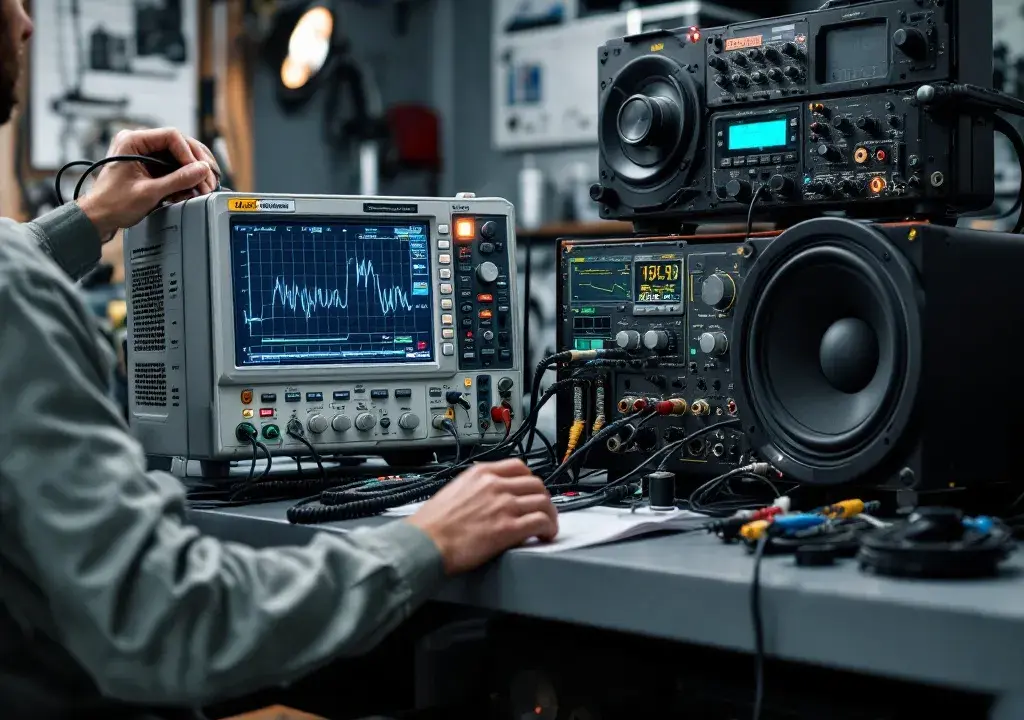
As someone who has been installing and troubleshooting car audio systems around La Verne for years, I’ve seen the subtle signs that separate a simple wiring hiccup from a deeper processor or amplifier issue. If you own a Mosconi component in your vehicle, you already appreciate high-fidelity sound — but even the best gear needs thoughtful diagnosis when something goes wrong. In this piece I’ll walk through the practical checks and observations I use every day to get systems back to sounding great, with an emphasis on what we see most often in local cars and trucks.
Recognizing the symptoms
Most drivers notice a problem in one of three ways: a change in tonal balance (bass or treble missing), intermittent sound dropouts, or strange noises like buzzing, ticking, or distortion. Often the complaint starts after an unrelated event — a jump start, a new head unit installation, or a recent stereo upgrade. When owners tell me their speakers sound muffled or one channel is weaker, I begin with the basics: verifying speaker continuity, testing remote turn-on, and confirming that source signals are present. It’s surprising how many problems trace back to a loose ground or a poor RCA connection before we ever open the processor menus.
Mosconi units: common failure modes
With modern processors and amplifiers, thermal stress and vibration are frequent culprits. Heat-saturated boards can shift solder joints, and a marginal connector will fail under rough road conditions. Firmware mismatches and configuration errors are another class of issue; an incorrectly set crossover or input gain can create apparent distortion that isn’t a hardware failure at all. I also encounter wiring-related noise caused by alternator whine or shared ground paths that bring unwanted signals into the audio chain. Recognizing whether the fault is electrical, mechanical, or configuration-based guides the rest of the diagnosis.
Step-by-step diagnostic approach
My workflow starts with replication: can I hear the fault myself? If yes, I isolate the problem to source, processor, or amplification by swapping inputs and listening at multiple points in the system. I use a bench power supply or a known-good battery connection to rule out charging-system noise. Next, I check voltages at the processor and amp, verify the remote turn-on circuit, and test speaker outputs for shorts. If hardware seems healthy, I examine settings — equalization, time alignment, and input routing — because a simple misroute or extreme EQ can mimic damaged components.
Tools and techniques I rely on
While a multimeter and a pair of headphones catch many issues, a few specialized tools speed the job and reduce guesswork. A scope helps identify alternator ripple or transient spikes, and a test tone generator quickly reveals crossover and phase problems. I also use software to read and update firmware and to back up processor settings before making changes. These precautions preserve customer configurations and let me restore a system if an update doesn’t go as planned.
Common installation pitfalls in local vehicles
La Verne’s mix of commuter cars, SUVs, and performance vehicles brings a variety of installation challenges. Tight factory harnesses, limited chassis ground points, and cramped amplifier locations can invite vibration-related failures or marginal connections. Owners who previously had work done elsewhere sometimes bring systems with non-factory grounds or mixed-quality RCAs that introduce noise. When I’m called in, I prioritize solid grounding, tidy wiring runs away from power cables, and secure mounting to reduce movement and heat buildup — small steps that prevent most return visits.
Preventive care and maintenance tips
Keeping a system healthy is often as simple as a seasonal inspection. Check mounting hardware for movement, verify wiring paths after any recent service, and make sure vents and heat sinks are clear of debris. If an amplifier or processor gets hot during long drives in full sun, consider relocating it or improving ventilation. I also recommend owners keep a backup of their processor settings; it saves hours if a unit needs reflashing or replacement. Regular check-ins help catch a marginal connector before it becomes a costly failure.
FAQ
Q: How can I tell if the noise is from the processor or the alternator?
A: Alternator noise typically changes pitch or level with engine RPM and may be present even when the stereo is off but the vehicle is running. Processor-origin noise often remains constant regardless of RPM and can change with menu setting adjustments. I use a scope or temporarily disconnect signal inputs to pinpoint the source.
Q: My system lost a channel after a jump start. What should I check first?
A: Begin with fuses and remote turn-on wiring, then test speaker outputs for continuity. After that, inspect ground connections and verify that the processor is receiving stable power. Jump starts can damage sensitive electronics, so look for blown internal protection components as well.
Q: Are firmware updates risky?
A: Updates can resolve many issues but should be done carefully. Always back up settings, ensure a stable power source during the update, and, if possible, update with the unit removed from vibration to avoid interruptions. I perform updates on the bench when possible and verify behavior before reinstalling.
If you’re in La Verne and want a hands-on diagnostic from a technician who knows local vehicles and typical installation pitfalls, bring your system in — we’ll evaluate the issue and explain the steps to restore crisp, reliable sound. For help with Mosconi components or a full system check, stop by or call and we’ll get your audio back to the way it should be.
Audio Dreams
1175 Foothill Blvd, La Verne, CA 91750, United States
Phone: +1 (909) 593-3335